
Events
Every function, planned with the people who matter.
Weddings, housewarmings, birthdays, festivals, memorials, get-togethers and trips. Build the guest list from your family tree, send each guest a personal invitation, and know exactly who is coming.

- 1 tap
- to invite a whole side of the family
- No app
- needed by your guests
- Live
- replies and headcount
01 Any occasion
Not only weddings. Every function.
Each function starts from your family and friends the same way. Pick a kind, or name your own.
- Wedding
- Engagement
- Housewarming
- Birthday
- Festival
- Memorial
- Get-together
- Family trip
- Your own
What you see
- Housewarming: “Kumar family housewarming”.
- Birthday: “Anu turns one”.
- Festival: “Pongal at Amma’s”.
- Memorial: “Remembering Thatha”.
- Get-together: “Cousins’ get-together”.
- Your own: “Family trip to Ooty”.
02 Guest list
Your family and friends are your guest list.
No more copying names from a notebook. Pick a circle, a side of the family, or people one by one, and see who that adds before you add them.
What you see
- A new function: Housewarming is chosen and named “Kumar family housewarming”.
- “Add guests”, then “Mother’s side (with spouses)” is chosen.
- A preview says “This adds 18 people” and a list scrolls. Add is tapped.
- “Add someone new”: Lakshmi and a number are typed, and “Saved to your contacts” appears.
- The guest list says “19 guests”, and the chips Coming, Maybe and No reply appear.
-
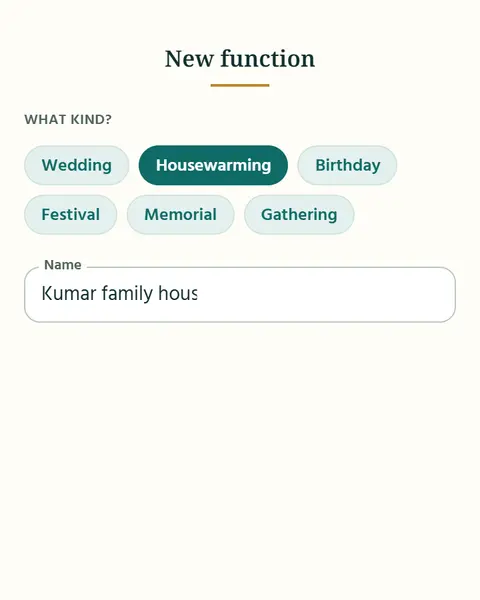
1Create the function
Pick a kind: wedding, housewarming, birthday, festival, memorial, gathering (a get-together), or name your own, like a family trip or a personal trip.
-
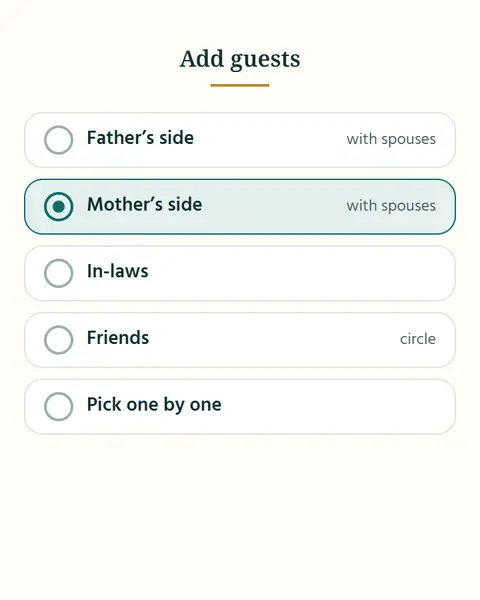
2Add guests from your family and friends
By circle (family, friends, neighbours), by side of the family (father’s side, mother’s side, in-laws, with spouses), or one by one.
-
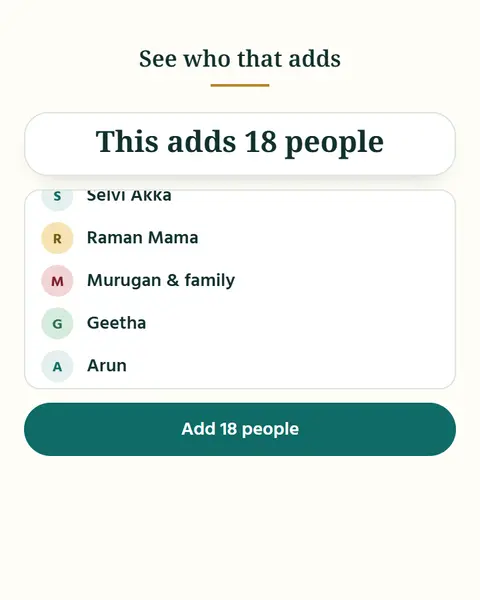
3See who that adds
A preview lists everyone before you confirm. Take anyone off the list, then add.
-
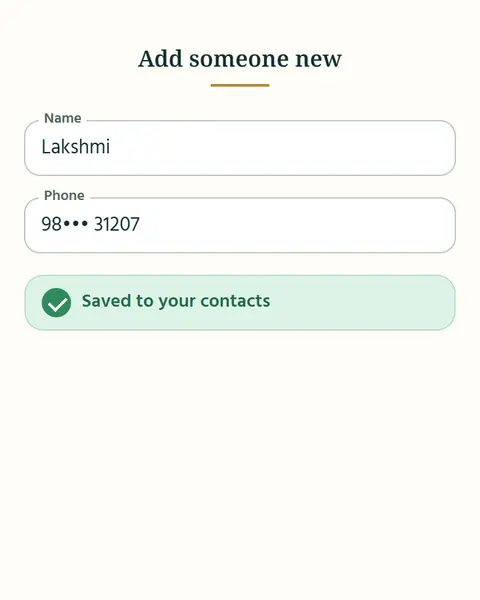
4Add someone new
Not in your contacts? Add them on the spot. They are saved to your ApnaTrees contacts too.
-
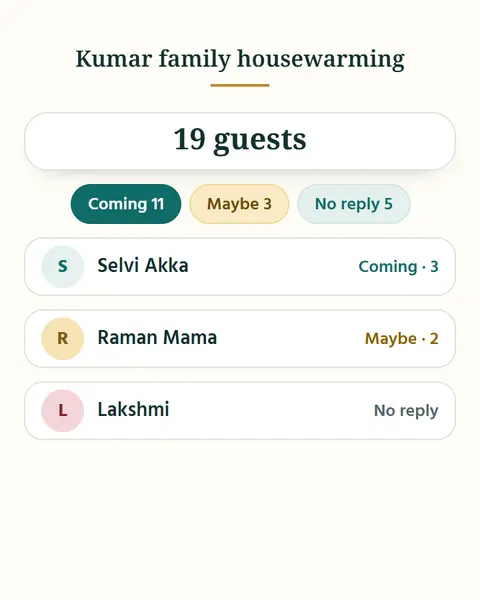
5Track every guest
Coming, maybe, not coming or no reply, and how many are coming with them.
03 Invitations and RSVPs
Invite everyone. Know who is coming.
Make a card in a few taps and send each guest their own invitation. They reply on a simple web page. You see every reply, and remind the rest.
What you see
- A chat message says “Vanakkam Kumar! You are invited to Priya & Karthik’s wedding. Tap your private link to reply.”
- A web page shows the card and “Will you come?”. Coming is tapped and a party of 3 is chosen.
- On the host’s screen the Kumar row changes from “Seen” to “Coming, 3”, and the tally reads 13 coming.
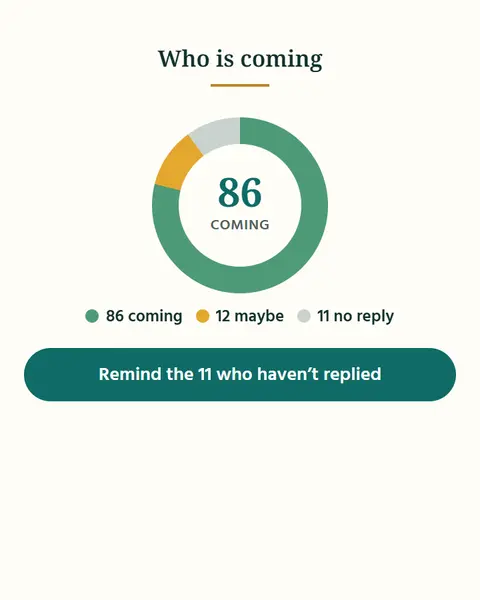
- “Remind 6 who haven’t replied” is tapped and a confirmation shows.
-
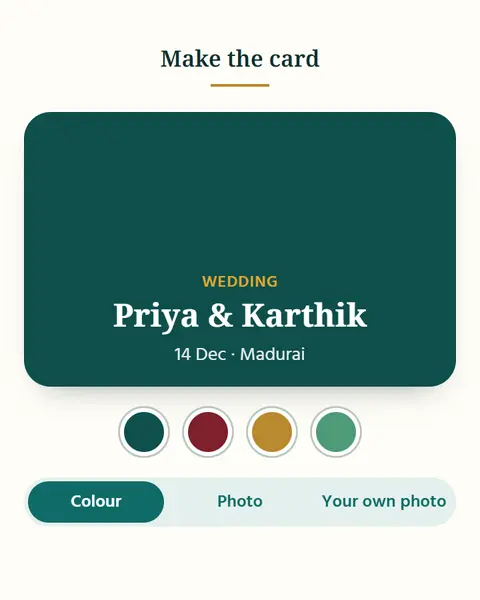
1Make the card
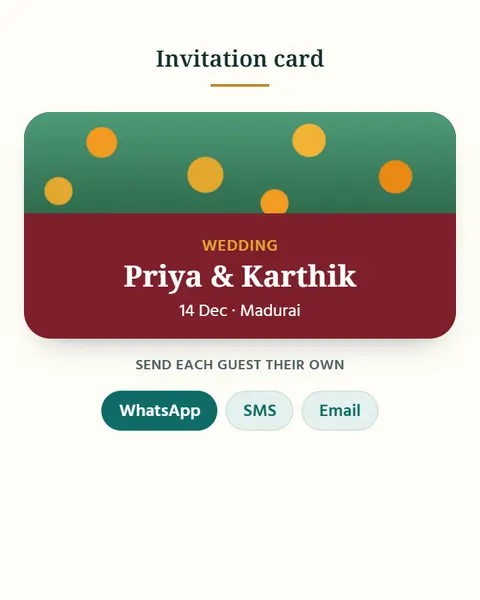
Choose a colour, a photo, or your own photo. Your card is ready to send.
-
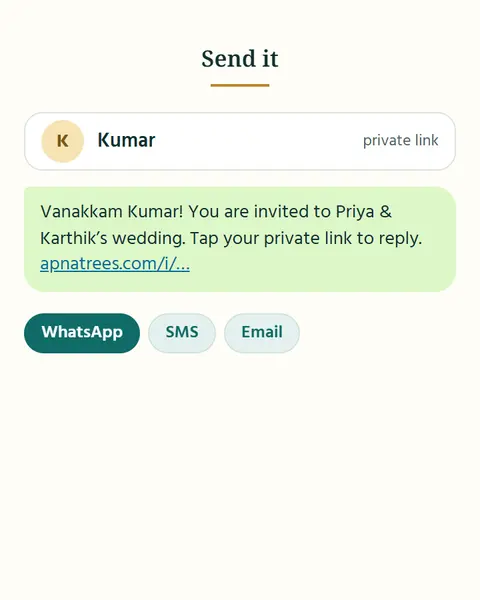
2Send it, one guest at a time
WhatsApp, SMS or email opens with the guest’s name and their own private link already filled in. You tap send.
-
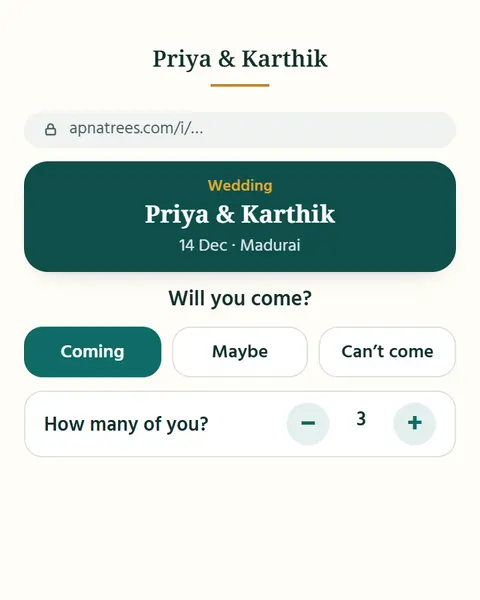
3They reply on a web page
Coming, maybe or not coming, and how many will come. No app, no sign-up. The page opens from the link.
-
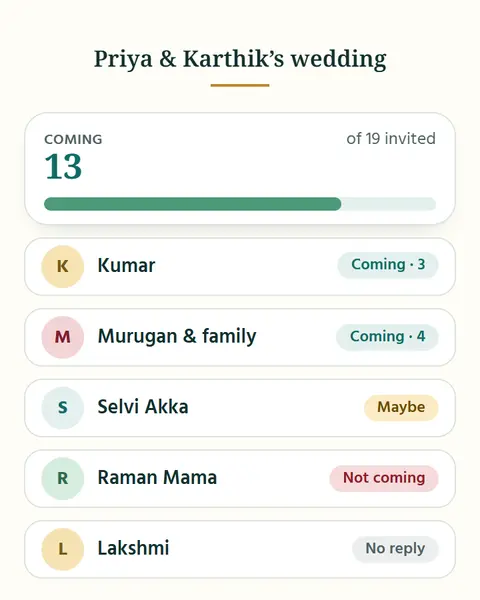
4Watch replies come in
See who has seen the invitation, and who is coming. Every reply is Coming, Maybe, Not coming or No reply.
-
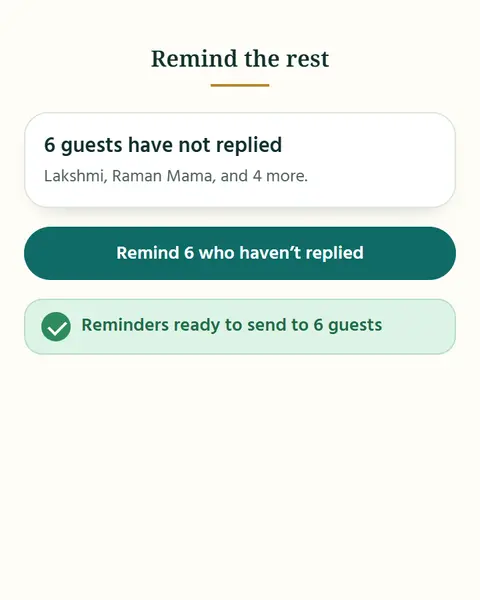
5Remind the rest
One tap for everyone who has not replied. Each reminder goes with their own link.
04 The guest page
Everything your guests need, on one page.
Add the schedule, where to stay and how to get there. Share a live-stream link for those who cannot come, and a photo link for afterwards.
What you see
- The top of the guest’s page: the card, and the reply already answered “Coming”.
- Schedule: Muhurtham 9:00, Lunch 12:30, Reception 7:00.
- Where to stay: a hotel near the hall, with an address line.
- Travel: from Madurai Junction, 15 minutes.
- The Live stream and Photos link rows.
-
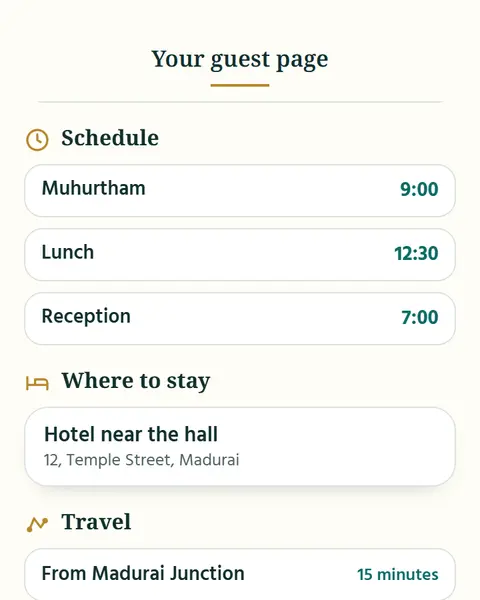
1Schedule
Muhurtham, lunch, reception: each with a time, so nobody has to ask.
-
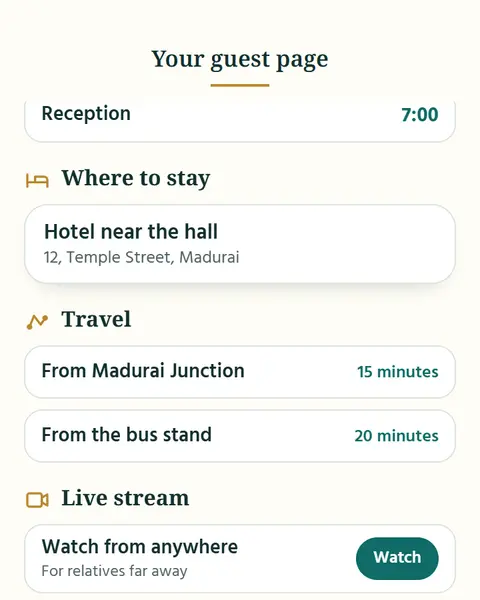
2Where to stay
A hotel or a relative’s home near the hall, with the address.
-
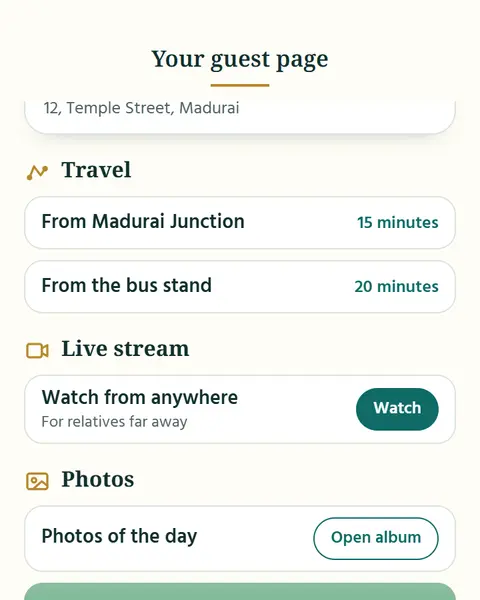
3Travel
How to reach, from the station or the bus stand.
-
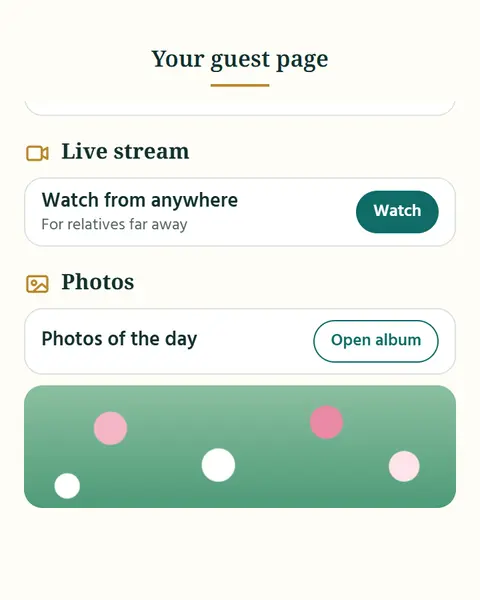
4Live stream
For relatives who live far away. Paste the link from any live-stream service.
-
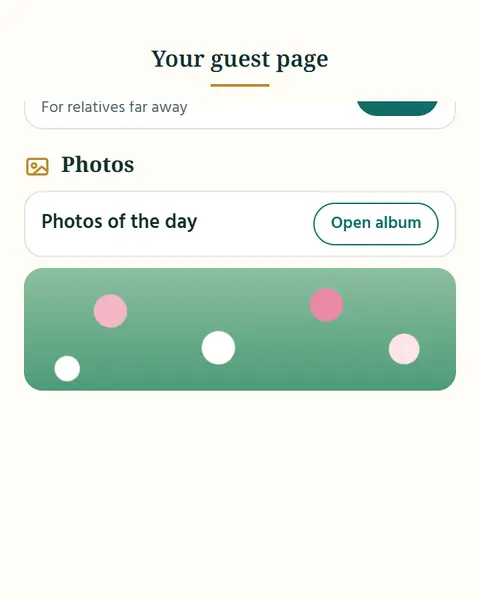
5Photos
After the function, share the album link and everyone can see the day.
05 Weddings
A wedding, from the first guest list to the last gift.
A wedding brings two families together. ApnaTrees keeps both sides, every reply and every gift in one place.
What you see
- “Priya & Karthik’s wedding” shows tabs: Father’s side 42, Mother’s side 38, In-laws 29.
- The Father’s side list scrolls, and Add is tapped.
- The card designer shows the chosen card.
- A ring shows 86 coming, 12 maybe and 11 no reply.
- A “Moi is on” chip appears under the event.
-
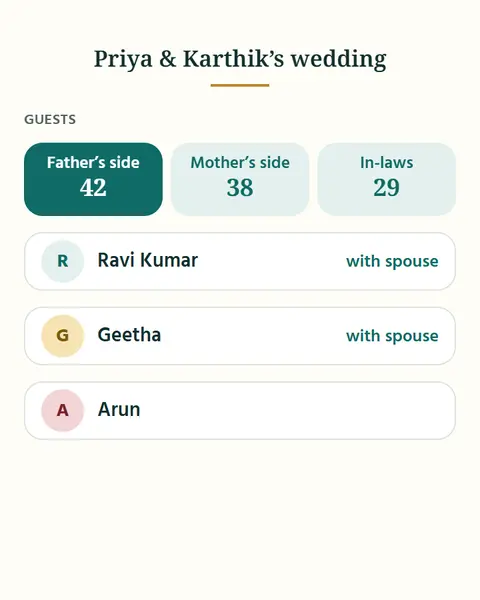
1Months before
Make the guest list by father’s side, mother’s side and in-laws, with spouses. Add friends and neighbours by circle, and anyone new on the spot.
-
2Weeks before
Make the card, then send each guest their own invitation on WhatsApp, SMS or email.
-
3Days before
Follow every reply and remind the rest. Put the schedule, where to stay and how to reach on every guest’s page.
-
4On the day
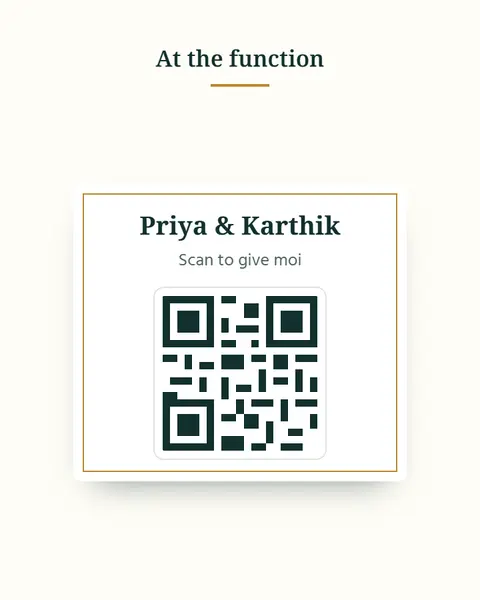
Share the live-stream link for relatives far away. Put up one gift QR, and guests give Shagun or Moi straight to your UPI.
-
5After
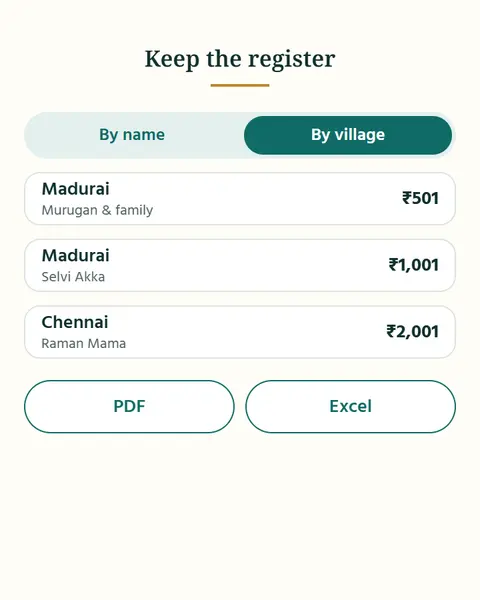
Match gifts to your bank statement and keep the register as PDF or Excel. Share the photo link.
Questions about Events
Does it count how many are coming with each guest?
Yes. Party sizes are counted, so you know how many plates.
Can I take a guest off the list?
A guest can be removed any time.
Where does the guest list live?
On your phone. Only invitations and replies use the server.
Do my guests need the app?
No. Guests need no app and no account. They reply on a web page.
Can anyone else open a guest’s link?
Each guest’s link is private to them.
What reaches your server?
Only event details and replies reach our server, and only once you turn on online replies.
What if the plan changes?
Change the plan any time. Guests see the latest.
Which live-stream or photo service can I use?
Any. The links are ones you paste.
Does the kind change what I can do?
No. Kinds only help you name and find events. Every tool works for every kind.
Can I plan a trip with it?
Yes. Name the function, for example a family trip or a personal trip, and invite the people who are coming. You get the same guest list, invitations and replies, and the schedule, where to stay, how to reach, live-stream and photo links. ApnaTrees does not book anything for you.
Bring your family together for every occasion.
On Android and iPhone. Your people are already on your phone: start there.