
Family Tree
Know every relative, and exactly how you are related.
Start with the contacts already on your phone. Link a few parents, brothers, sisters and spouses, and ApnaTrees works out everyone else: uncles, cousins and in-laws, in the words your family actually uses.

- 3
- languages for every relative
- 9
- generations around anyone
- 0
- uploads: it stays on your phone
01 Your people
Your phone's contacts, finally in order.
Bring in your contacts once. Group them into circles, add notes only you can see, and call or WhatsApp from one page.
What you see
- A card asks “Allow ApnaTrees to read your contacts?” and Allow is tapped.
- The People list fills with six names.
- Selvi Akka opens, and the chips Family and Neighbours drop in.
- A private note types itself: “Likes filter coffee. Birthday in March.”
- The Call and WhatsApp buttons light up in turn.
-
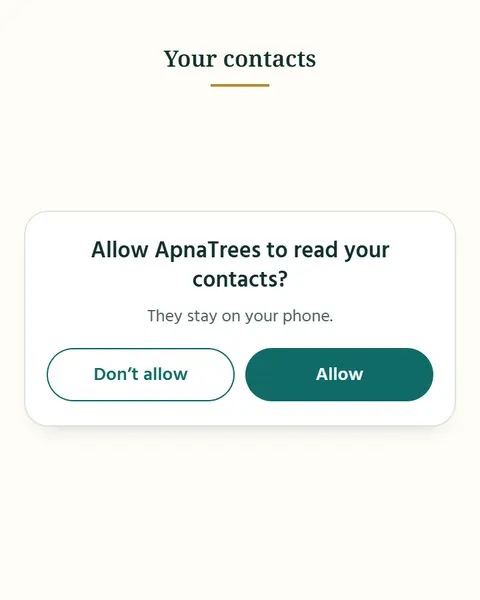
1Say yes once
ApnaTrees reads your contacts only after you allow it. They stay on your phone.
-
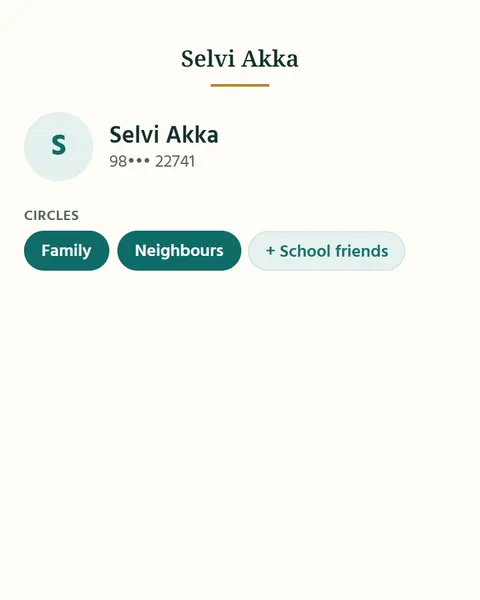
2Make circles
Family, School friends, Neighbours: make a circle for anyone you like. A person can be in more than one.
-
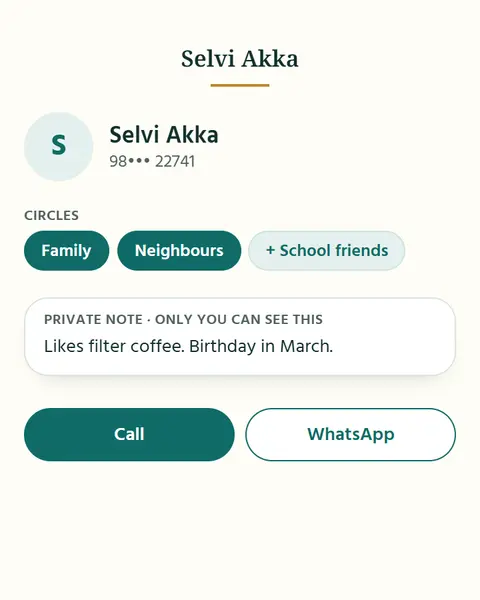
3Add a private note
Birthdays, likes, how you met. Only you see it.
-
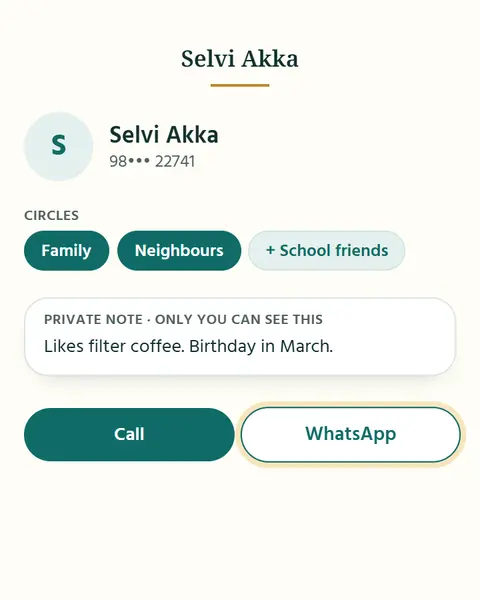
4Call or WhatsApp in one tap
From the person’s page. No hunting through your phone.
02 Tidy up
Saved twice? Merged when you say yes.
ApnaTrees finds people you saved twice. Merge them, delete the extra copy or keep them apart. Family links move to the copy you keep.
What you see
- A banner says “2 possible duplicates”.
- A pair card shows “Ravi K” and “Ravi Kumar”, same number.
- Merge is tapped and the two cards slide together into one “Ravi Kumar”.
- A message says “Merged. Nothing lost.”
03 Your family tree
Link a few. ApnaTrees works out the rest.
Add your close family and the tree fills itself in: Chithappa, Athai, cousins and in-laws appear on their own. Look around anyone, up to nine generations.
What you see
- A lone “You” node.
- The plus is tapped, Appa and Amma appear above and the links draw.
- Ravi and Geetha join as Appa’s brother and his wife, labelled “Chithappa” and “Chithi”.
- Arun appears under them, labelled “Cousin”.
- A levels control steps from 3 to 5, and grandparents fade in, one as a “Not known yet” placeholder.
- Ravi is tapped, then “Show family tree”, and the tree recentres on Ravi.
-
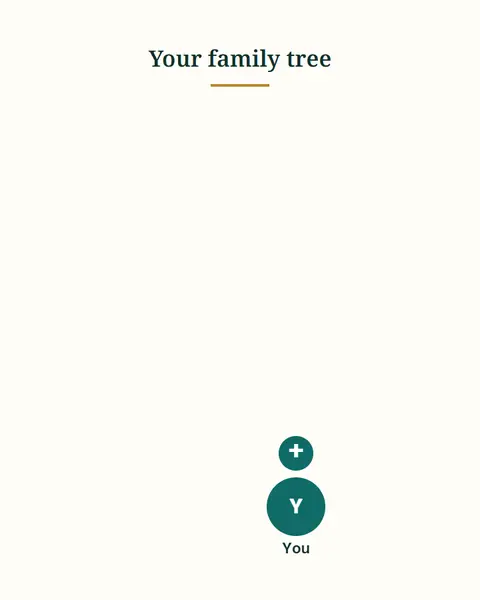
1Start with you
Your name, or pick yourself from your people.
-
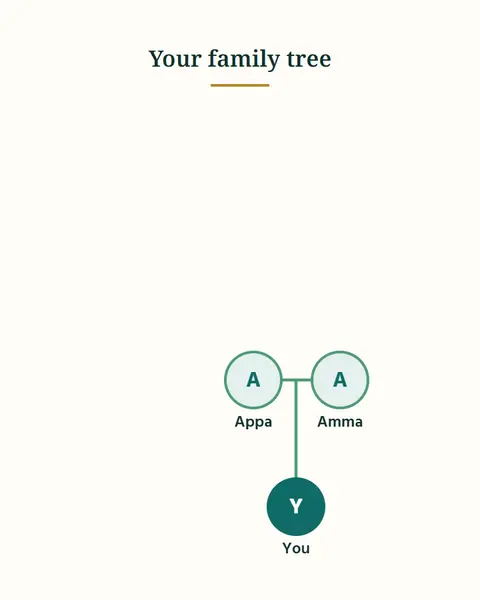
2Add your close family
Father, mother, brothers, sisters, spouse. A + beside anyone adds their relatives.
-
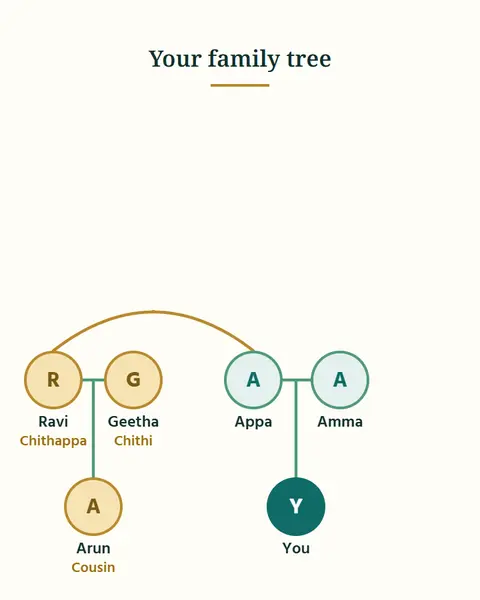
3See everyone worked out
Chithappa, Athai, cousins and in-laws appear on their own.
-
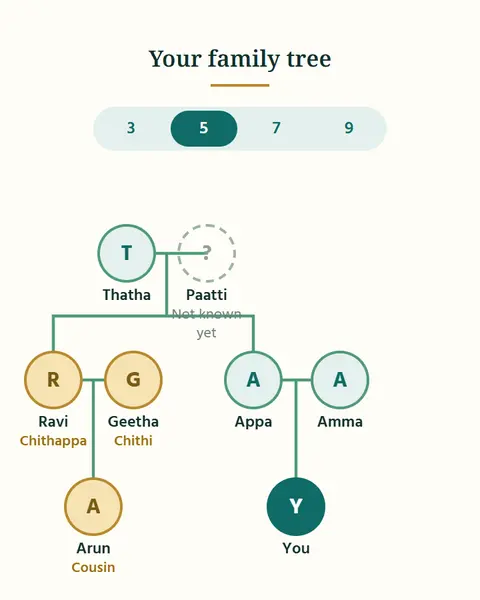
4Look around anyone
Show the tree around any person: 3, 5, 7 or 9 generations.
04 Relationship words
Chithappa, Athai, Mama. Your words, understood.
Every family has its own words for relatives. ApnaTrees knows them in Tamil, Hindi and English, and even reads the names you saved.
What you see
- A card says “Father’s younger brother” and cycles through Chithappa, चाचा and Uncle.
- A contact saved as “Ravi Chithappa” gets a small dot.
- A card suggests “Likely your Chithappa. Add to your family?” and Yes is tapped.
- Ravi appears in the tree as Chithappa.
-
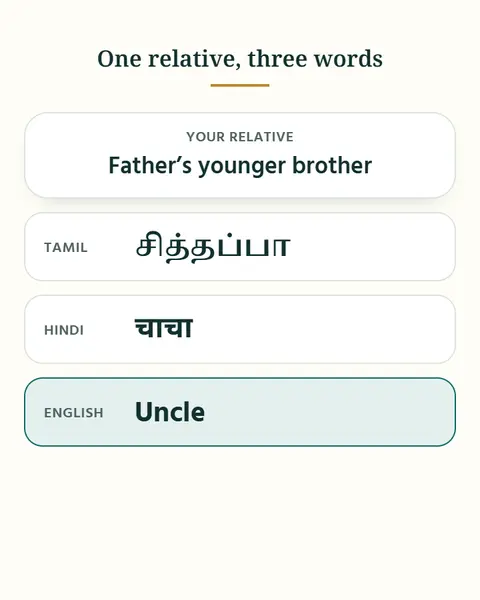
1One relative, three languages
Each relative has a word in Tamil, in Hindi and in English. Chithappa, Chacha and Uncle all mean the same person to ApnaTrees.
-
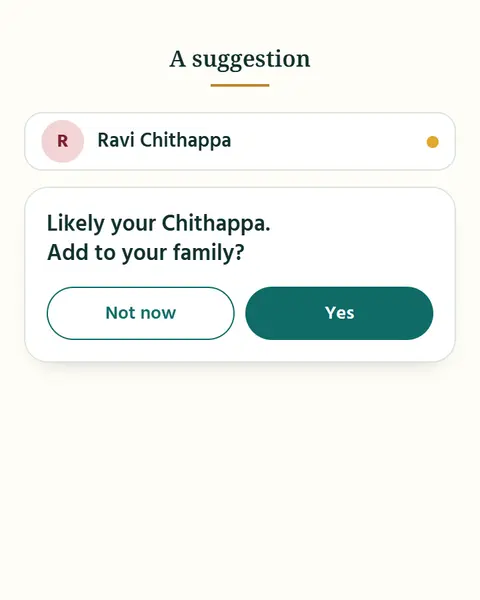
2It reads the names you saved
Saved someone as “Ravi Chithappa”? ApnaTrees notices and suggests where Ravi belongs. You decide.
-
3What you call them
The word you use is kept apart from the real relationship. A family friend can be “Mama” to you without being family.
05 Tell or ask
Just say it. Or just ask.
Type a relationship the way you would tell a friend, or ask who your cousins are. ApnaTrees understands, and always asks before it changes anything.
What you see
- “Ravi is my mother’s younger brother” is typed.
- A card asks to confirm, “Yes, add” is tapped, and “Ravi added” appears.
- “Who are my cousins?” is typed and Arun, Priya and Karthik appear.
- “Invite my father’s side relatives to the wedding” is typed.
- A card asks “Add 14 guests to Priya & Karthik’s wedding?” and Yes is tapped.
-
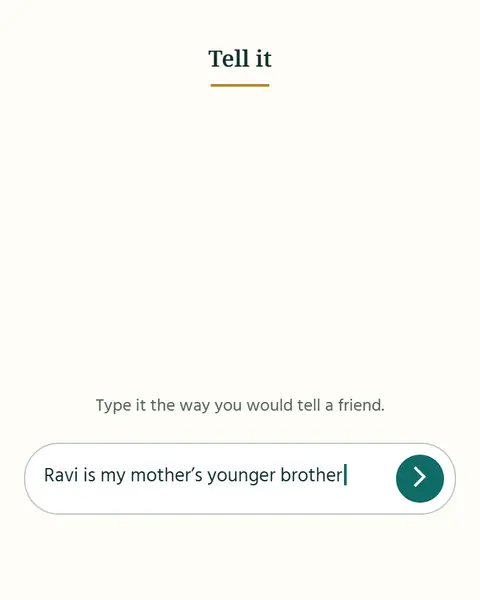
1Tell it
“Ravi is my mother’s younger brother.”
-
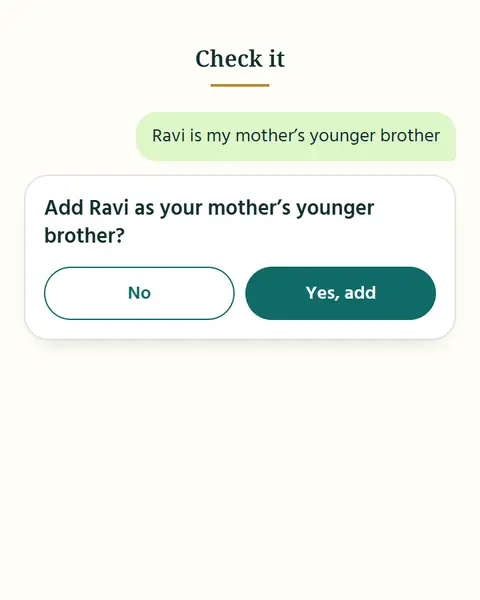
2Check it
ApnaTrees asks first: “Add Ravi as your mother’s younger brother?” Tap Yes, add, and it is added.
-
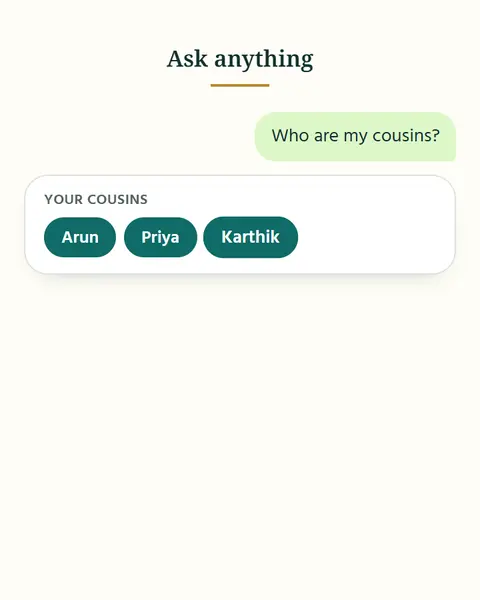
3Ask anything
“Who are my cousins?” “Who is on my father’s side?” “How is Arun related to me?”
-
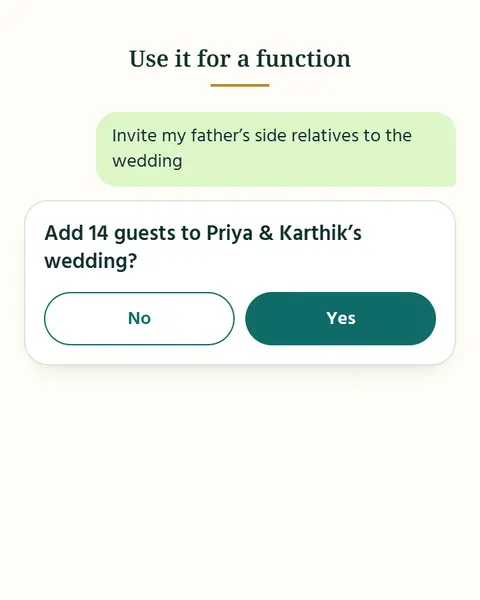
4Use it for a function
“Invite my father’s side relatives to the wedding.” ApnaTrees asks you to confirm the guests before it adds them.
06 Share with relatives
Share your family like you share a photo.
Send a person, a branch or the whole family as a small file on WhatsApp, email or Bluetooth. Your relative chooses who is who, and nothing on their phone is overwritten.
-
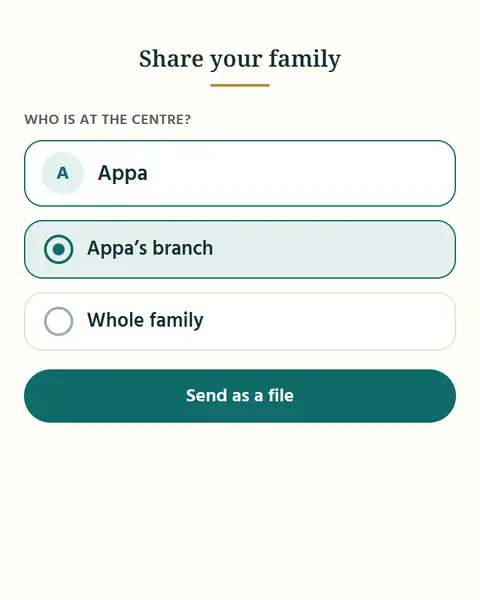
1Choose who is at the centre and how much to send
Just one person, a whole branch, or your whole family.
-
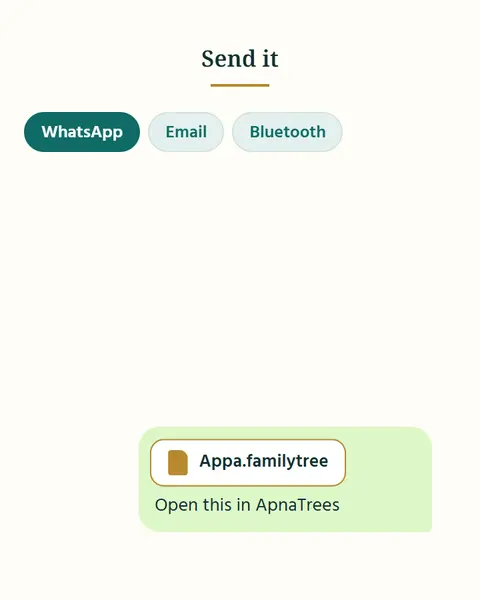
2Send the file on WhatsApp, email or Bluetooth
It is a small file, like a photo. It goes only where you send it.
-
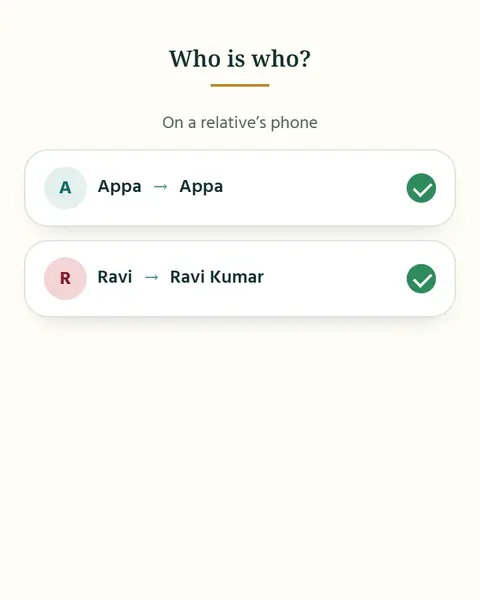
3Your relative opens it and matches who is who
People already on their phone are matched to the people in the file. They choose, and nothing is overwritten.
-
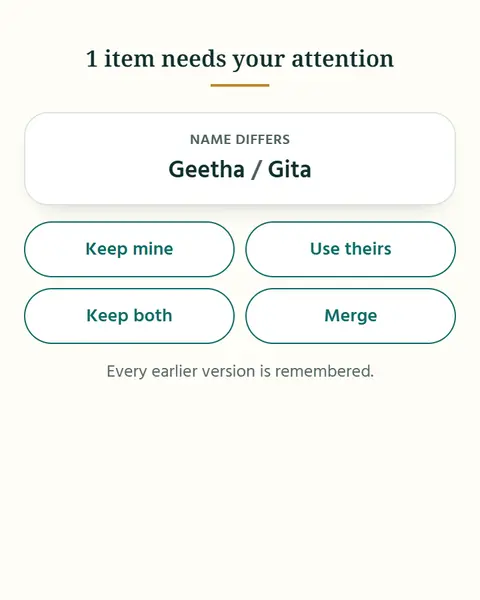
4Settle differences
Gita or Geetha? Keep mine, use theirs, keep both, or merge. Every earlier version is remembered.
07 Safe and private
Your family stays on your phone.
Your people, your tree and your notes are never uploaded. Save a backup file now and then, and restore it on a new phone.
What you see
- A split card draws: “On your phone” and “On our server”.
- “Save a backup file” opens the share sheet and the file is saved.
- On a second phone, “Restore from a backup file” says “This file has 214 people, 1 family, 3 events. Replace?” and Confirm is tapped.
- A message says “Restored”.
-
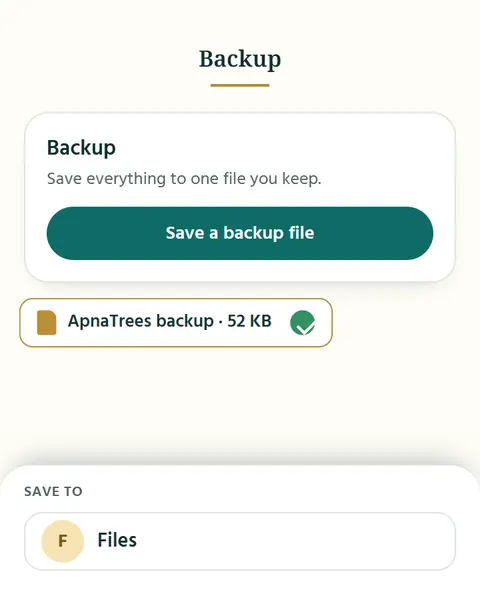
1Save a backup file
Now and then, save one. It is a file that you keep.
-
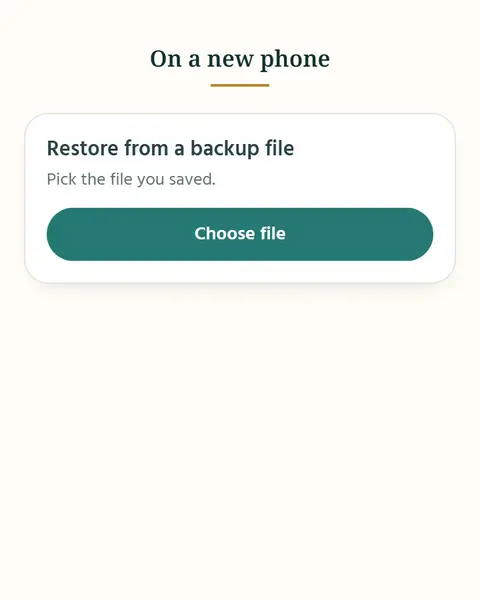
2Restore it on a new phone
Open ApnaTrees on the new phone and choose the backup file.
-
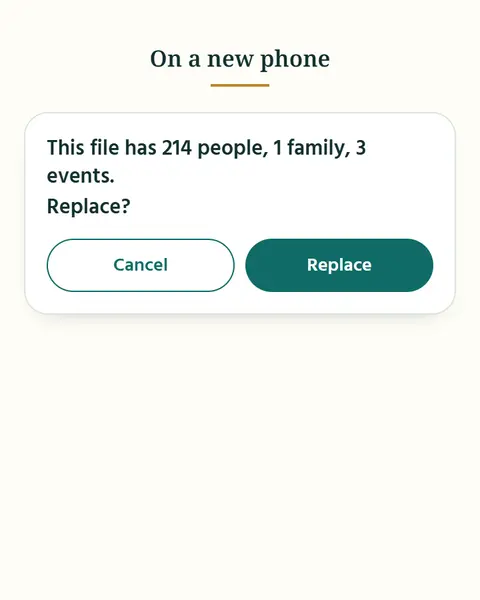
3See what is in it, then confirm
Nothing is replaced until you confirm.
Questions about Family Tree
When does ApnaTrees read my contacts?
Contacts are read only after you say yes.
Can a person be in more than one circle?
Yes. Circles are yours: a person can be in several.
Are my notes shared?
Notes are never shared, even when you share your family.
Will it merge people without asking?
No. Merging always asks first.
What does ApnaTrees store?
Only parents, brothers and sisters, and spouses are stored. Everything else is worked out, so fixing one link fixes the rest.
What if I do not know someone’s name yet?
Placeholders keep a place for someone you do not know yet.
Does my tree go online?
The tree never goes online.
Can I see a word in Tamil script?
You can see each word in Tamil script, in English letters and in English.
Will suggestions change my family on their own?
Suggestions never change anything until you say yes.
Do I need an account to share?
No. The file goes only where you send it, and no account is needed.
Are my private notes in the file?
Your private notes are never in the file.
What happens to the value I did not keep?
Every earlier value is kept with where it came from.
Bring your family together for every occasion.
On Android and iPhone. Your people are already on your phone: start there.